 New PRIMER Connects STM32 to Mobiles
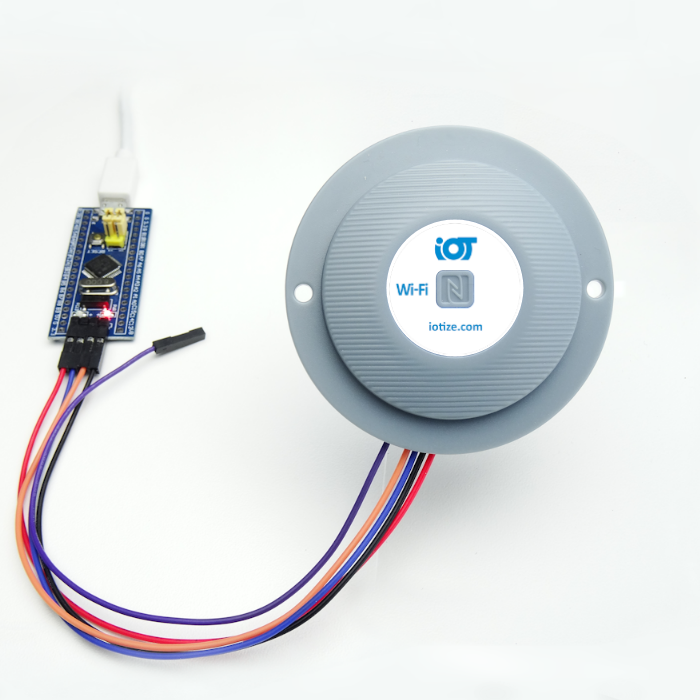
Discover the ease adding NFC, Bluetooth Low Energy (BLE) and WiFi (ESP32) to any STM32 application without redesigning hardware or recoding firmware. Create Human-Machine Interfaces (HMI) for your application that run as mobile apps (Android, iOS). View data on mobiles, or modify specific variables from your HMI app. You can even log data automatically to a Cloud platform.
No Coding. Just connect & configure!
Your connected proof-of-concept is just minutes away. TapNLink Primer uses your STM32's SWD port so that you can create a connected version of your application and automatically generate your first mobile apps (APK or IPA formats).
Learn more...
- Visit iotize.com for free software downloads and documentation
- Check out the App Creator video demo
- Also discover wireless debugging with Ride7
...
STM32circle Projects & Resources Remain Online
The stm32circle forums are closed, however forum content, resources and projects remain online.
Documents and projects for EvoPrimer, Open4 Primer, STM32 Primer2 and STM32 Primer1 can be downloaded without an account or login.